
Deutsch
Early access · Pilot phase 2026
Photo booth software · Windows & macOS

Make moments happen

Photos, video messages and prints guests love – and software built for real event nights. Even without internet.

For guests & hosts

“I want to be part of that.”

One tap, one smile, a print in seconds – and the photos straight to their phone. Moments people still talk about weeks later.

For operators

“I can build on this.”

Canon DSLR or webcam, DNP printing with cut, a setup wizard and alerts before the paper runs out. Built for long event nights.

This is how easy it feels

1

Tap

One big button, nothing else. Guests can set their own self-timer if they like.

2

Smile

A countdown with a wink: a bird at the glass, confetti or a mouse knocking.

3

Take it home

Photo strips or postcards from the printer – and onto the phone by QR code or e-mail.

pomixo booth

The guest experience

Calm when nobody is in front of it. Alive the moment it starts. The screen guides every round with few words – in the colours of your event.
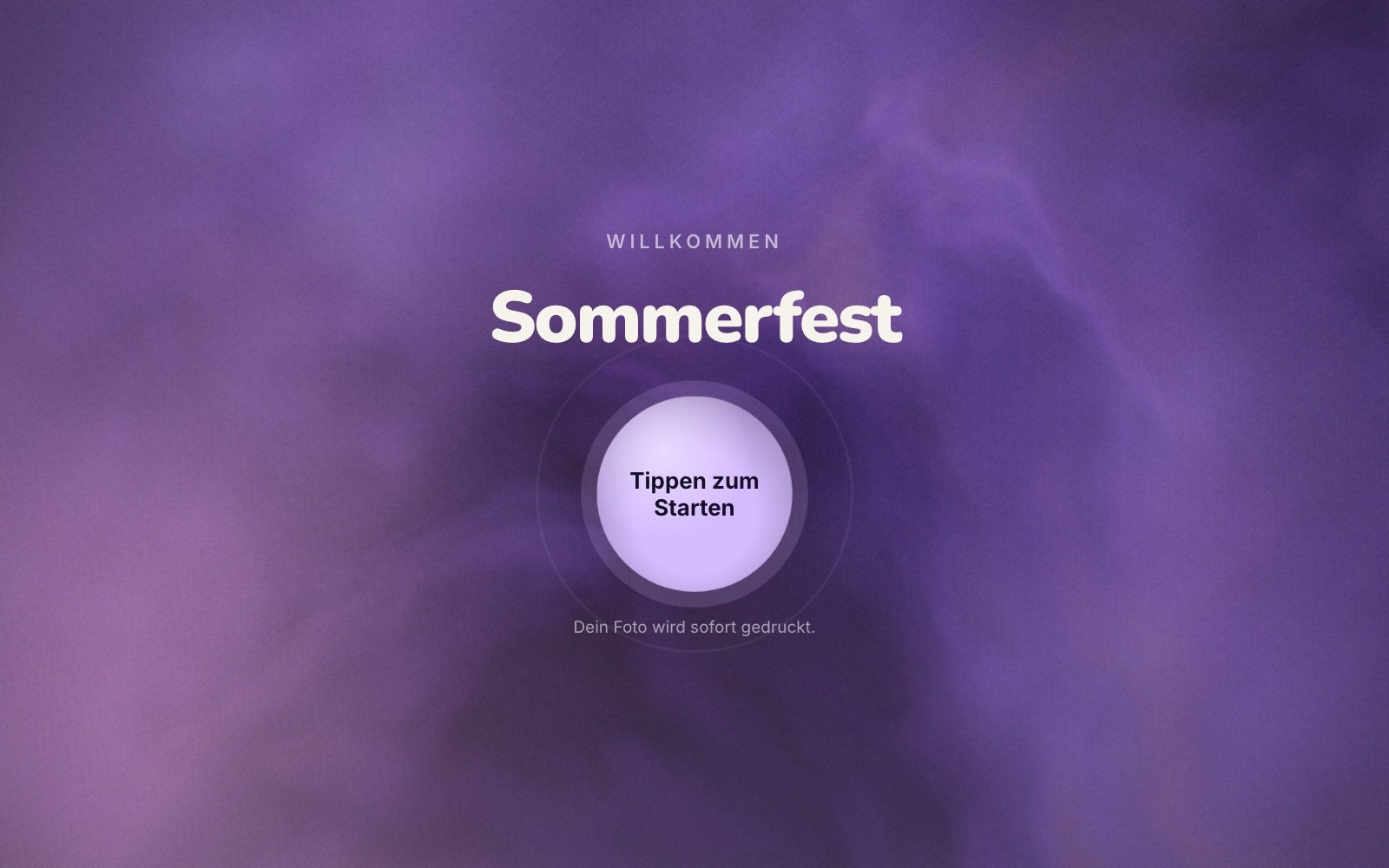
pomixo booth start screen with event title and start button
Sharing without internet

Photos to the phone – straight from the booth

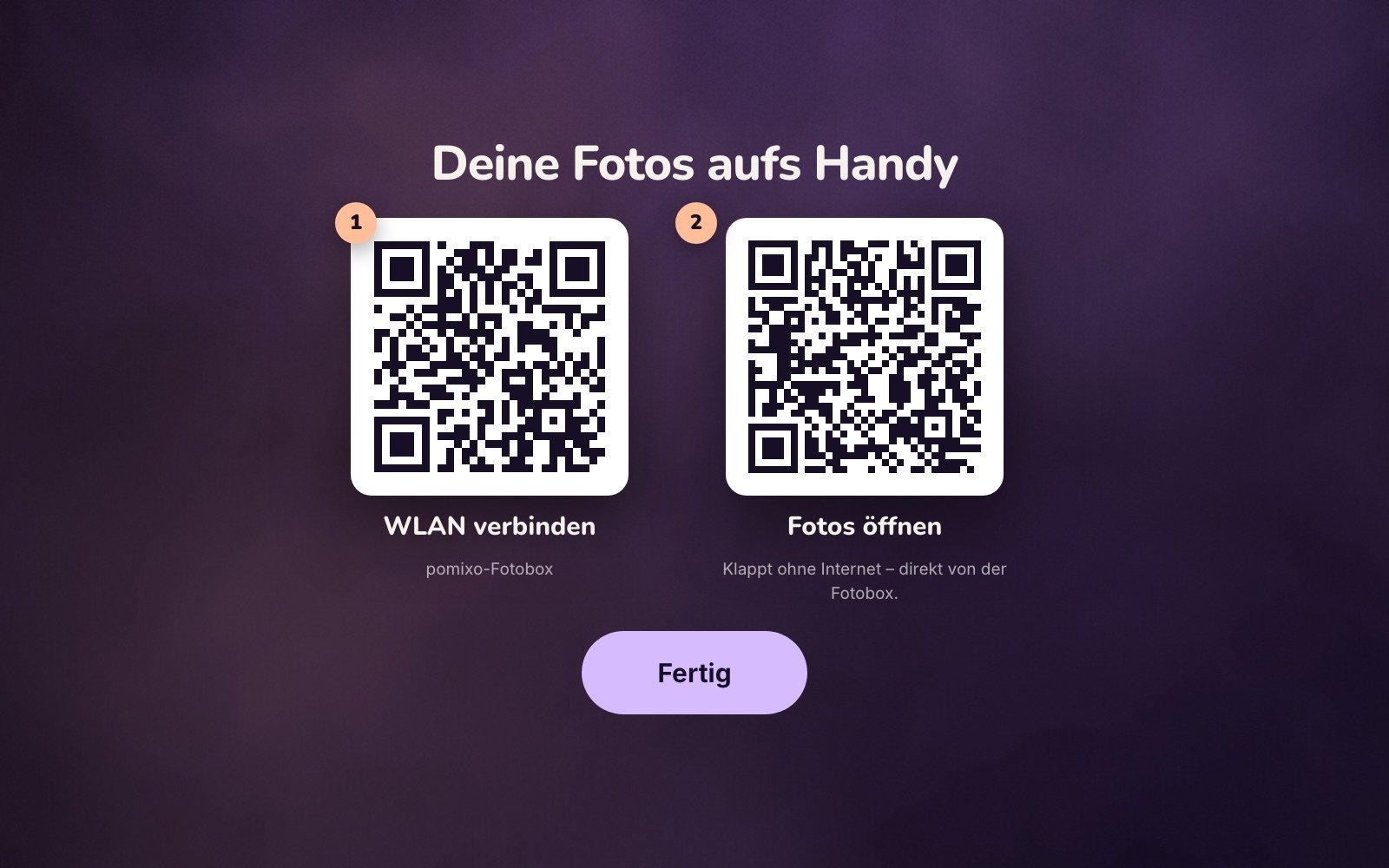
At the end, guests scan a QR code and download their photos in full resolution. It runs over the booth's own Wi-Fi, without internet or cloud. A second QR code connects the phone to that Wi-Fi first.
  • Layout, single photos, GIF and video on one page – saved right at the booth
  • From the phone on to WhatsApp, Instagram & co.
  • By e-mail if they like – sent once the booth is online
Share screen with two QR codes: join the Wi-Fi and open your photos
Video guestbook

Messages you can hear

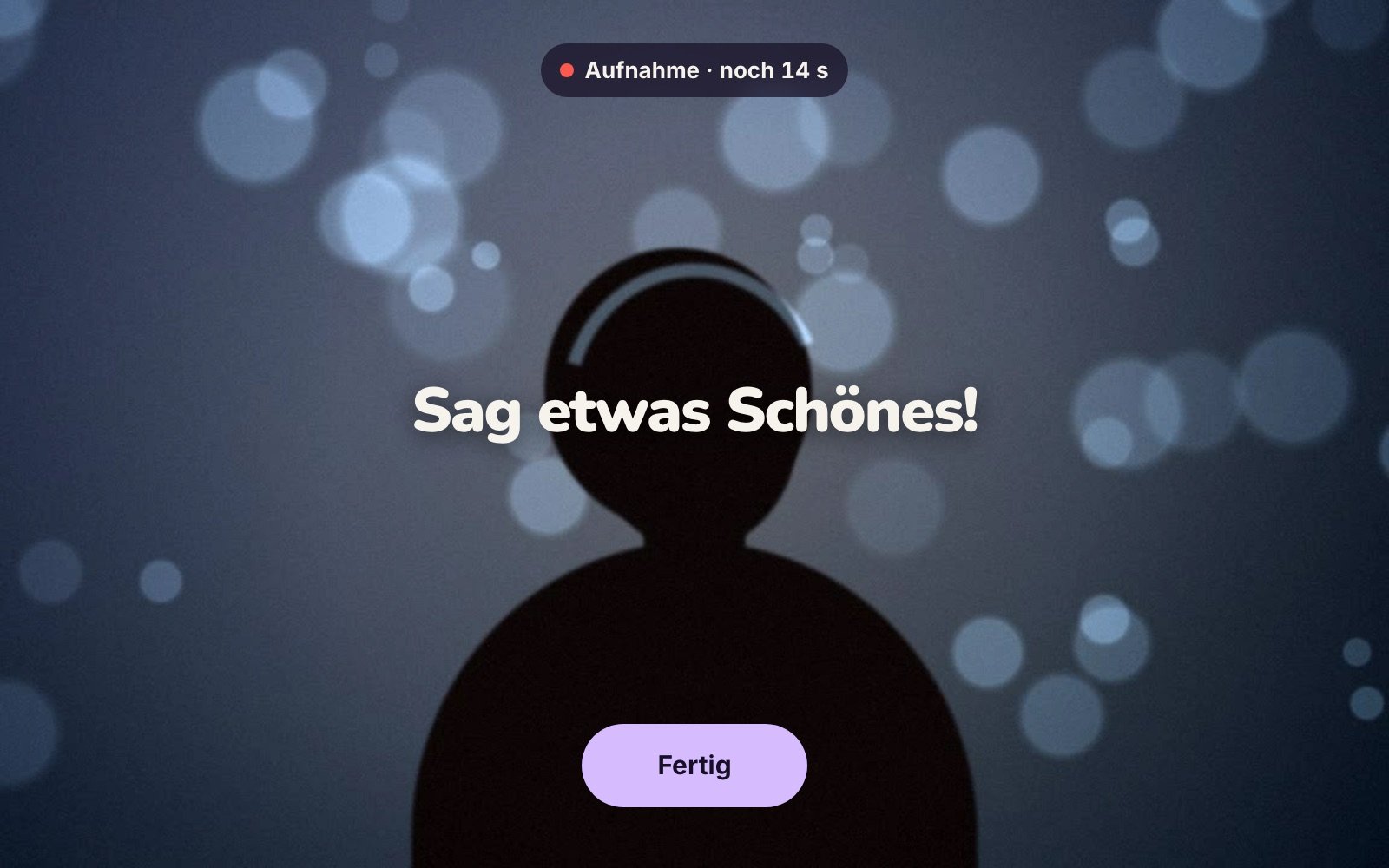
Instead of photos, guests record a short video message with sound – 10 to 30 seconds, with countdown, preview and “record again”. Perfect for weddings and birthdays.
  • Works with webcams and Canon live view
  • Videos in the live slideshow and to take home by QR code
  • Everything stays on the laptop
Video guestbook recording screen with time left and done button
Design studio

A new background – even without a green screen

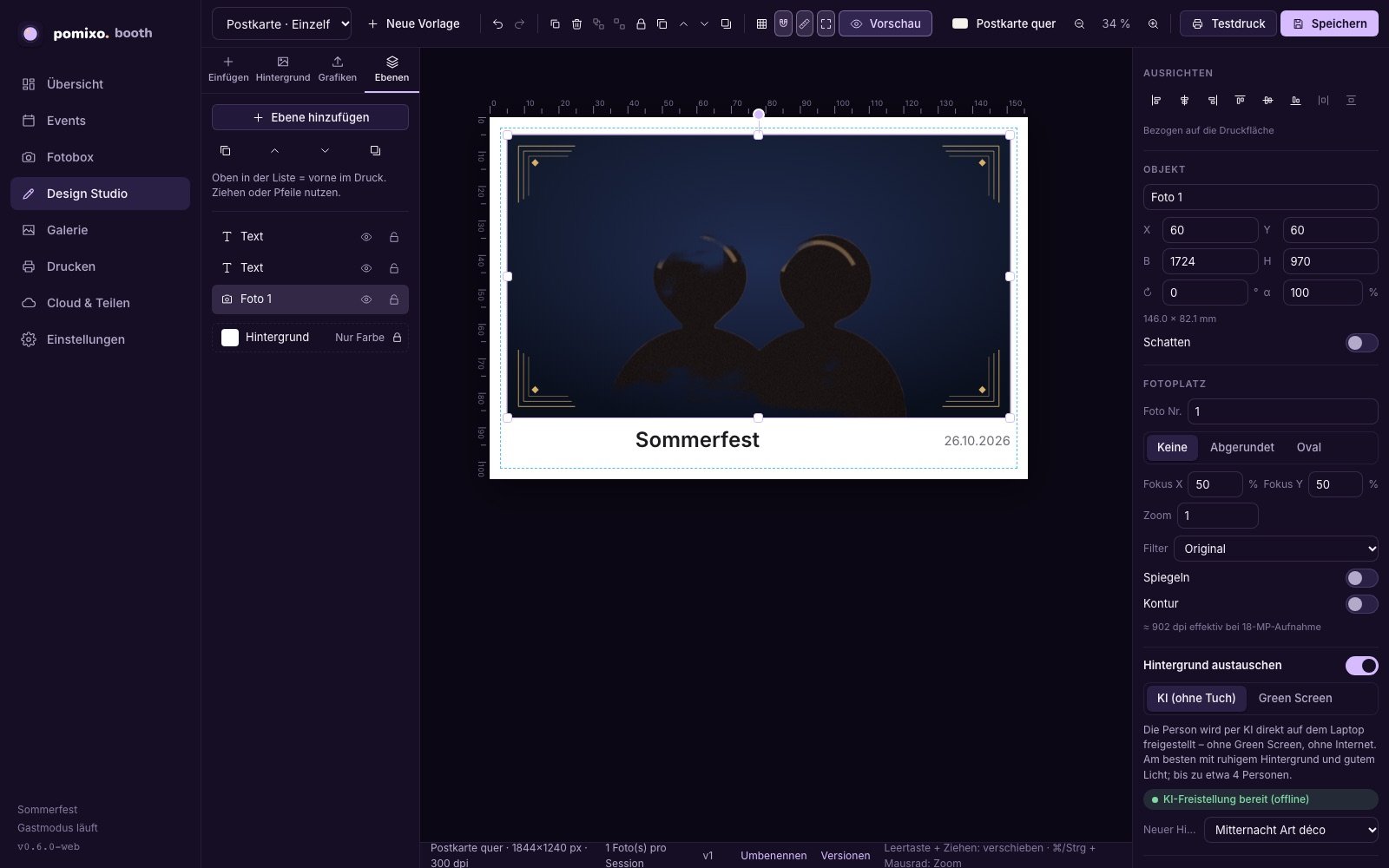
Design layouts in the studio with layers, templates and your own frames. AI replaces the background behind your guests right on the laptop – or use a classic green screen.
  • 11 templates and 14 backgrounds to start with
  • Your own frames as PNG or SVG, with size checks
  • What you see is exactly what gets printed
Design studio with a layout, layers and background replacement settings
pomixo booth · Windows · macOS

What's inside pomixo booth

One program for the guest screen, design and operation – on the event laptop, with Windows or macOS.

For guests

Photos, collages & strips
Single photo, collage or strip with several shots – with preview and “again”.
GIF & boomerang
An animated moment for sharing, next to every photo.
Video guestbook
Short video messages with sound instead of photos.
To the phone by QR code
Over the booth's Wi-Fi, no internet. Optionally as a pCloud link.
Photos by e-mail
Through your own e-mail account, with the guests' consent.
Countdown with gags
Classic or with a bird, mouse, bomb or confetti.

For design

Design studio
Layers, grid, masks, texts with placeholders such as event name and date.
Replace the background
By AI without a backdrop or with a classic green screen.
Filters
Beauty, black & white, vintage, vivid, warm and cool.
Event colours
Guest screen and download page in your event's accent colour.

For operation

Works offline
Capture, design, printing and Wi-Fi sharing work without internet.
Canon DSLR & webcam
Canon EOS via the Canon SDK, plus USB and laptop cameras – with automatic reconnection.
Printing with cut
Optimised for the DNP DS620: postcards and photo strips with 2-inch cut, two rounds per sheet.
Never without a print
No printer? Every print is saved as a PDF at paper size and printed later.
Guest details with consent
Optional form before the start, stored locally, CSV export.
Opening hours & prints
Fixed times for the booth; guests can choose how many prints they want.
Live slideshow
Photos, GIFs and video messages of the night on a second screen.
Alerts for the team
Paper, camera battery, printer and screens at a glance – only on the operator laptop.
Event statistics
Sessions, prints and shared photos per event and hour, CSV export.
Setup in 12 steps
A wizard checks camera, printer, cut and touchscreen. Guest mode is PIN-protected.

What you need

Laptop
Windows 11 (64-bit) or macOS 11 or later.
Camera
A Canon EOS with USB cable (the Canon SDK is free from Canon) or a USB or laptop webcam. We check compatibility per model – ask us about yours.
Printer
Recommended: DNP DS620 for postcards and photo strips with cut. Without a printer, prints are saved as PDF or JPEG.
Screen
A touchscreen or second screen for guests – one screen works too.
Sharing
For the QR code: Wi-Fi or a hotspot at the booth, no internet needed. For e-mails: your own e-mail account.

What we offer

Software, a photo booth to hire or a complete setup – with a clear status of what is available.

pomixo booth

The photo booth software for Windows and macOS

Early access

Hire a photo booth

Our booth with camera, printer and support for your event

On request

Complete setup

Camera, printer, enclosure and setup – put together for your business

On request

Frequently asked questions

Is pomixo booth available yet?

pomixo booth is in early access: we are testing with selected operators and events using Canon cameras and the DNP DS620. Write to us if you'd like to take part.

Do I need internet at the event?

No. Capture, printing and sharing by QR code work without internet. E-mails are collected and sent once the laptop is back online.

How do the photos get onto phones?

At the end, guests scan a QR code and open their personal download page – straight from the booth over its Wi-Fi. Or they enter their e-mail address.

Does the download link work later at home?

No. The QR code opens the photos straight from the booth, so it only works in the booth's Wi-Fi – guests save their photos on site. For later, there is the e-mail or, if you connect pCloud, an online link.

Are photos uploaded to a cloud?

Only if you want. By default everything stays on the laptop. Automatic backup to your own pCloud account can be switched on per event.

Do I need a green screen?

No. AI cuts out people right on the laptop. A green or blue backdrop still works if you prefer it.

Which cameras work?

Canon EOS DSLRs via the Canon SDK as well as USB and built-in laptop cameras.

What happens to guest data?

Guest details and e-mail addresses are only collected with consent and stored locally. After sending, the e-mail address is masked.

Let's make moments

Want to use pomixo booth at your next event or hire a photo booth? Write to us – we reply personally.

Send an email

hallo@pomixo.de